Administrator Training
For the technical administrator or the regular point of contact for the studio. You learn to manage users and rights, set up StudioAssist for the team's workflow, and know what to do when something goes wrong.
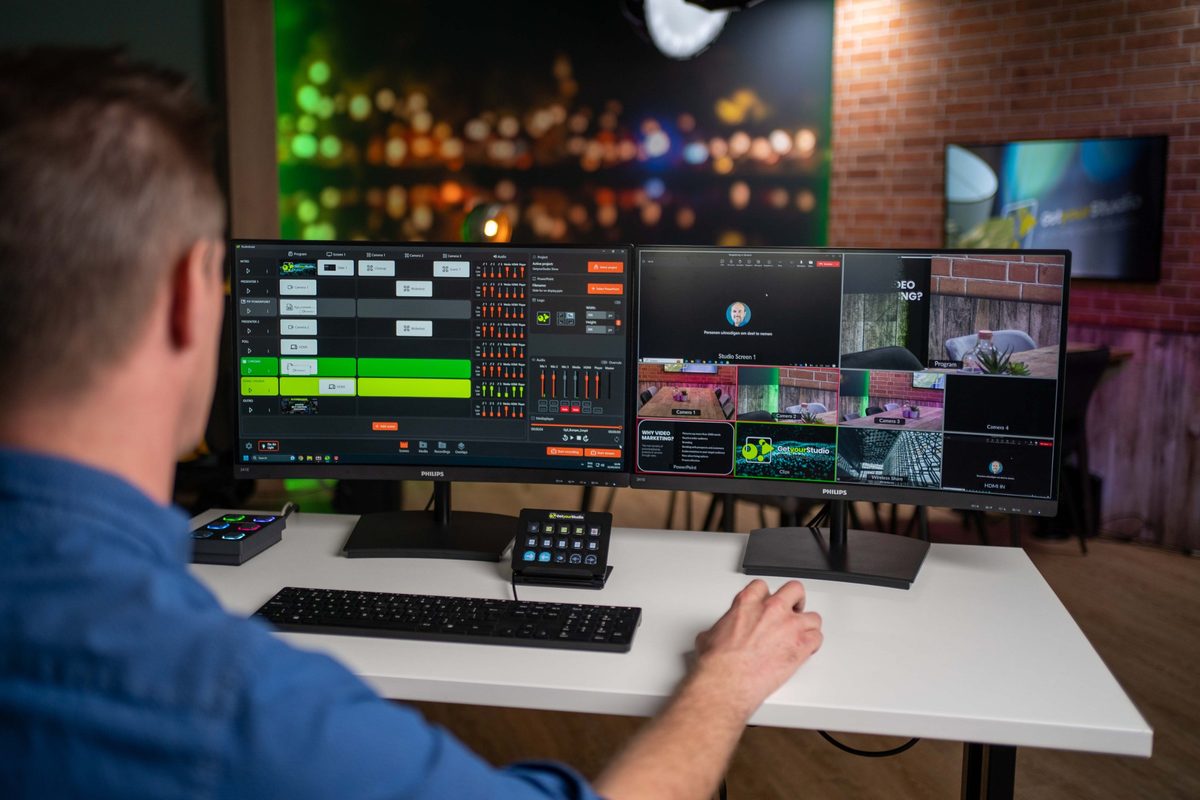
- 1 dayin your own studio
- Max. 4people
- Certificateon completion
Programme
What the day looks like
Every studio needs someone who looks beyond day-to-day operation. This training is for that person, or for the team of administrators.
Administration, topic by topic
Introduction and inventory
How many users does the environment have, which rights are already in place, and which issues have you run into before?
Users and rights
- Creating users and assigning rights
- The rights levels and what each level can and cannot do
- Removing users or revoking rights
Updates and roll-out to the team
- How StudioAssist updates work and when they are rolled out
- Checking release notes for impact on the existing configuration
- Translating new features into practice for the team
- Checking that everything works after an update
Setting up the One-touch control panel
- Arranging buttons for the workflow of the whole team
- Combining multiple actions under one button
- Defining a fixed, shared layout
Audio mixer and StudioAssist
- How the audio mixer is linked to StudioAssist
- Matching input routing to the faders in StudioAssist
- Defining standard gain levels and audio presets
Video mixer: chroma key and compositions
- Resetting the chroma key at mixer level
- Saving custom layouts as templates for the team
Setting up streaming platforms
- Saving Teams, Zoom, Vimeo and other platforms as presets
- Managing stream keys and endpoints securely
- Network requirements: ports, bandwidth, static IP addresses and QoS
- Multiple simultaneous and scheduled streams
- Troubleshooting connection issues
Camera and scene presets
- Creating, editing, duplicating and resetting presets
- Sharing presets between projects
- Building a preset library for each type of recording
PTZ controller, tracking and AutoSwitch
If available.
- Connecting and configuring the SKAARHOJ PTZ controller
- Setting up and calibrating tracking zones, and solving faults
- AutoSwitch rules, sensitivity and manual override
Troubleshooting and system administration
- Network and IP configuration: static IP addresses, VLANs and firewall rules
- Firmware updates for cameras, HyperDeck and Studio-in-a-Box
- Monitoring storage and back-ups on the HyperDeck
- When to restart and when to call GetyourStudio support
Practical exercise
Preparing a new production
Each participant gets a realistic assignment: a new colleague is joining and a new type of recording needs to be made possible. With the trainer's guidance, you set up the complete configuration.
- Creating a test user with the right permissions
- Putting together a new camera and audio preset
- Arranging the One-touch control panel so the preset is ready at the press of a button
- Setting up a streaming preset and testing the connection
- Solving a fault the trainer introduces halfway through
Not every environment uses every component. We tailor the programme in advance to the modules and equipment available at your premises.
Practical information
By the end of the day, every participant has a working, tested configuration in place.
- Times
- 9.30 am to 4.30 pm at the latest, lunch break from 12.30 to 1.15 pm
- Location
- In your own studio
- Group size
- Up to 4 people
- For whom
- The technical administrator or the regular point of contact for the studio
- Included
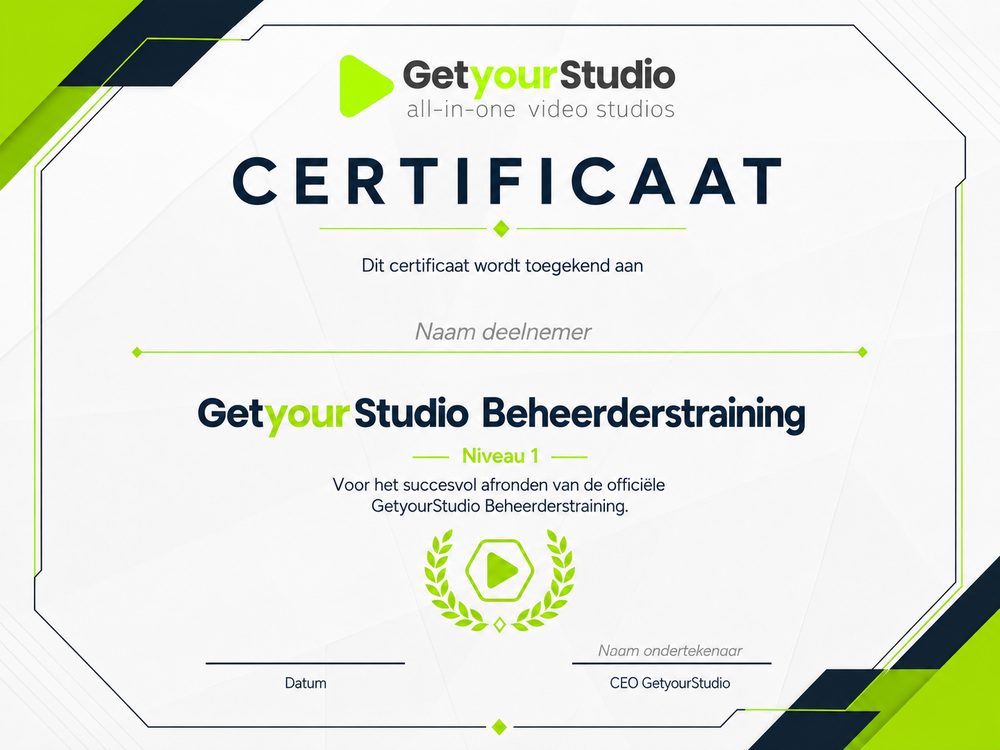
- Official GetyourStudio Administrator Training certificate
- Cost
- Tailored quotation
Want to schedule the Administrator Training for your administrators?
Get in touch and we'll tailor the programme to your environment.
Colleagues who operate the studio? View the Director Training Basic
FAQ
Frequently asked questions
About the Administrator Training.
- Who is the Administrator Training for?
For the technical administrator or the regular point of contact for the studio: the person who adds users, sets rights, configures the system for the team's workflow and knows what to do when something goes wrong.
- Do you cover every part of the programme?
Not every environment uses every component. We tailor the programme in advance to the modules and equipment available at your premises, such as a PTZ controller, tracking or AutoSwitch.
- How many people can take part?
Up to 4 people per training.
- How much does the Administrator Training cost?
The training takes place in your own studio. We prepare a tailored quotation for it.

