Group training on site

Director Training Advanced (super user)

For teams who have mastered the basics and want to get more out of the studio. A day of in-depth training in image, sound, dynamic scenes, overlays, streaming and automation.
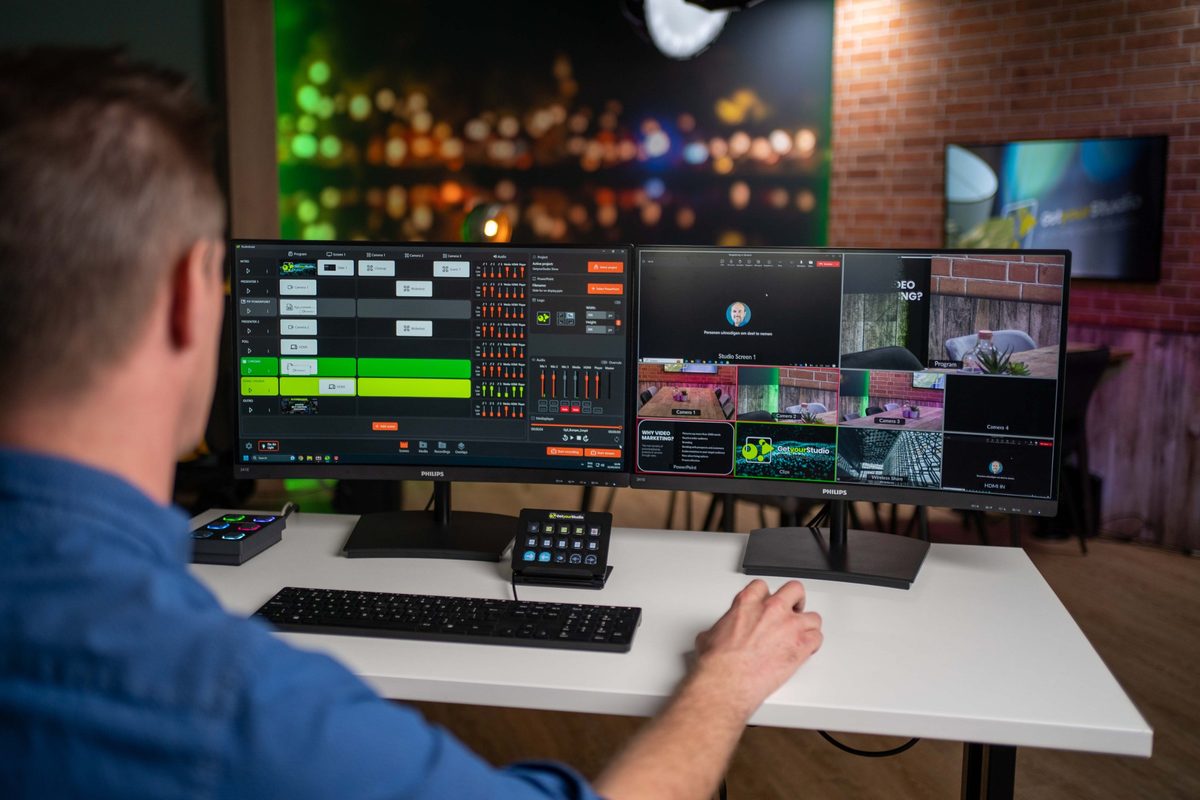
  • 1 dayin-depth training in your own studio
  • Max. 4people
  • Certificateon completion

Programme

What the day looks like

You pick up where the Director Training Basic leaves off, with the techniques that make the difference between a tidy recording and a professional broadcast.

Morning

In-depth, topic by topic

Introduction and focus points

Which parts of the studio deserve the most attention today?

Image: camera and lighting

  • Advanced camera settings: white balance, exposure, gain, manual focus and contrast
  • Optimal lighting and better use of the studio lights
  • Creating trace presets with the PTZ controller

Sound

  • Advanced audio settings: gain, noise gate and solo
  • Preventing feedback and other common audio issues

Dynamic scenes with Compositions

  • Side-by-side images
  • Advanced PIP
  • Teams crops

Overlays

  • Adapting templates to your house style and layout
  • Lower thirds, tickers, countdowns, agenda items and flippers
  • Linking overlays to the One-touch control panel and to scenes via actions

Chroma key and green screen

  • Setting up and fine-tuning the chroma key
  • Keying with multiple cameras (where possible)
  • Using chroma key in compositions
  • Working with sticky keys

Streaming to external platforms

  • RTMP, SRT and WebRTC: when to use which protocol
  • Testing the stream connection before you go live

Subtitling and translation

  • Live subtitling and translation with Soundshape by Speaksee (if the Autocaption module is installed)

Automation

  • AutoSwitch: automatically switching to the speaker's camera (if the module is installed)
  • Configuring the buttons of the One-touch control panel yourself
  • AutoTracking: cameras that follow a speaker (if the cameras support it)
Lunch break
Afternoon

Practical exercise

Building an advanced broadcast yourself

You build a broadcast that combines the techniques from the morning. Again in two groups, studio and control room, and then you swap roles.

  • Adding overlays to the broadcast
  • Building a composition, such as side-by-side or an advanced PIP
  • Fine-tuning camera and audio settings during the recording
  • Streaming live to an external platform
  • Starting the recording

We tailor the programme to the team's requirements, modules and level of experience.

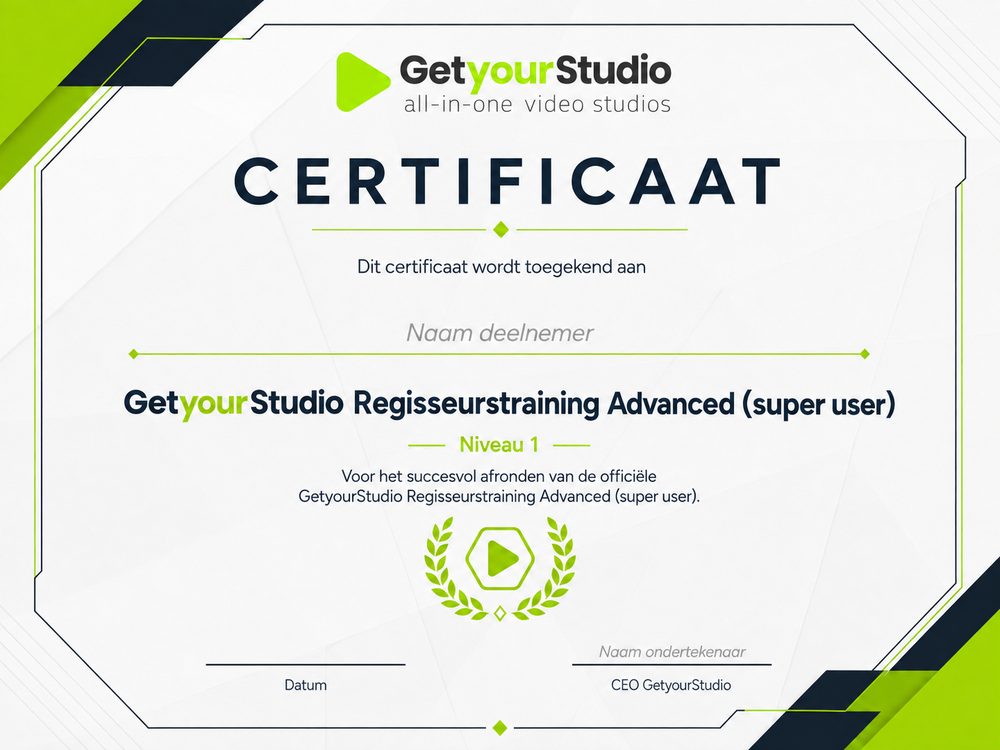
GetyourStudio certificate for the Director Training Advanced (super user)

Practical information

After this day, the team can set up an advanced broadcast independently, with overlays, compositions and a livestream to an external platform.

Times
9.30 am to 4.30 pm at the latest, lunch break from 12.30 to 1.15 pm
Location
In your own studio
Group size
Up to 4 people
For whom
Teams who have completed the Director Training Basic or already have experience with the studio
Included
Official GetyourStudio Director Training Advanced (super user) certificate
Cost
Tailored quotation

Want to schedule the Director Training Advanced for your team?

Get in touch and we'll tailor the programme to your studio and modules.

Responsible for setting up the studio? View the Administrator Training

Request this training

FAQ

Frequently asked questions

About the Director Training Advanced (super user).