Individual enrolment

Director Training Basic in Utrecht

Nobody in your team running the studio independently yet? Take the Director Training Basic with us in Utrecht, together with participants from other companies. No technical knowledge needed.
  • 1 dayat GetyourStudio in Utrecht
  • Max. 6participants
  • €385p.p. excl. VAT, incl. lunch

Programme

What the day looks like

The same programme as the Director Training Basic for teams, in our training studios in Utrecht. Ideal if you are the first or only person in your organisation who will be working with the studio.

Morning

Equipment and StudioAssist

Introduction and goal of the day

We discuss your questions and the types of recordings you will be making in your own studio, so the training matches your needs.

The equipment in the studio

From camera to microphone.

  • How the Canon PTZ cameras work
  • The best camera positions for each type of recording
  • Which lights are installed, what they do and how to position them
  • The different microphones and how to use them correctly

The control room

How everything comes together in the control room.

  • What the Studio-in-a-Box is and how StudioAssist connects all the equipment
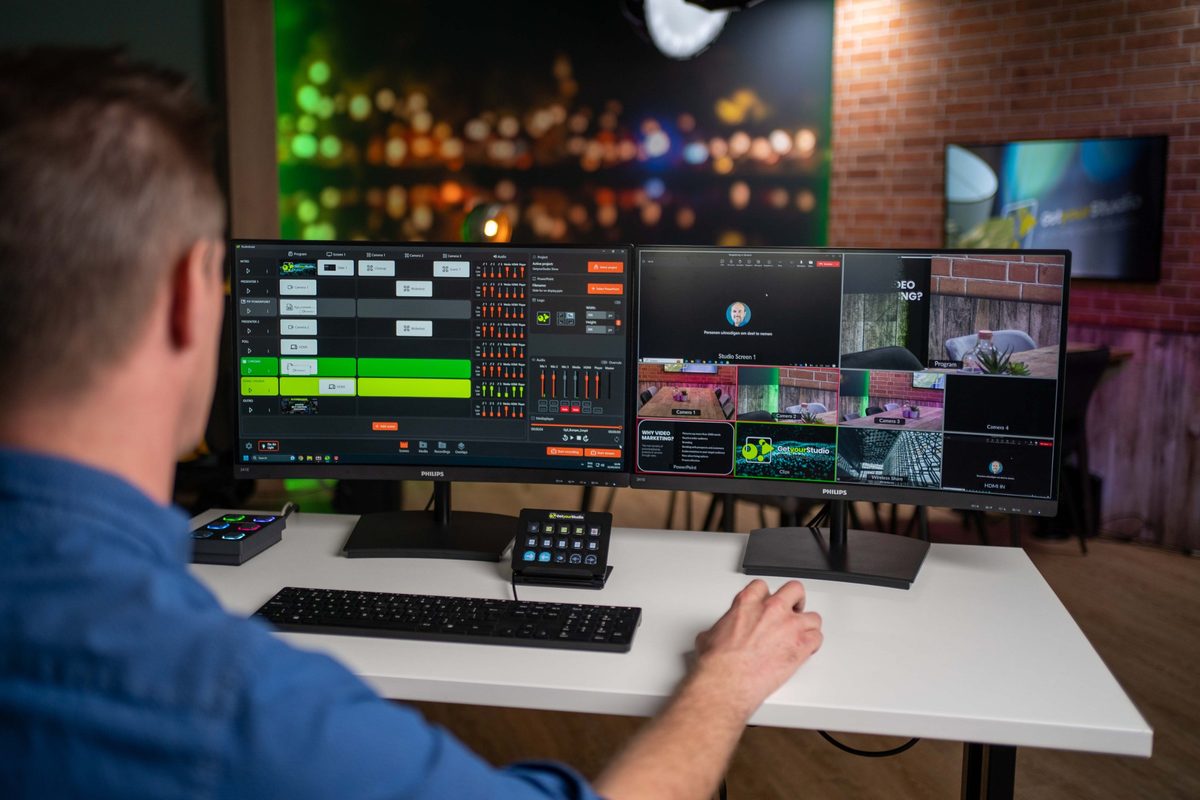
  • The multiviewer: all camera feeds and sources in one overview
  • The One-touch control panel for switching with physical buttons
  • Controlling cameras via the web interface or the PTZ controller
  • Reading out the recorder and the SD card

StudioAssist, the basics

The main part of the morning.

  • Finding your way around StudioAssist
  • Setting up and switching projects, and loading a PowerPoint
  • Creating scenes with the wizard: fullscreen, PIP and green screen
  • Creating compositions, Basic and Advanced
  • Showing a phone screen via Wireless Share
  • Connecting a laptop via HDMI
  • Bringing a guest speaker into the broadcast via Teams or Zoom
  • Making a recording and finding it via the Media and Recordings tabs
  • The audio faders: which microphone belongs to which fader
  • Streaming to, for example, Teams, Zoom or Vimeo

Overlays and chroma key

  • Choosing a lower third template and learning to operate it
  • Using chroma key scenes and controlling the background from StudioAssist
Lunch break
Afternoon

Hands-on practice

Directing a broadcast yourself

The trainer shows you how to build a script (rundown). Then you make a real recording with the other participants, taking turns in the studio and in the control room.

  • Setting camera presets
  • Switching between audio sources
  • Balancing microphone levels
  • Adding extra scenes, such as PIP or green screen
  • Starting the recording

Practising in different settings

Our training studios in Utrecht have several set-ups, so you can practise different types of productions.

  • Talk show and panel discussion
  • Video and audio podcast
  • Standing presentation and webinar
  • Lounge conversation and interview
  • Green screen
  • Product demo

Starting up and shutting down

The start-up and shut-down procedure of a GetyourStudio studio, so you can apply it straight away in your own studio.

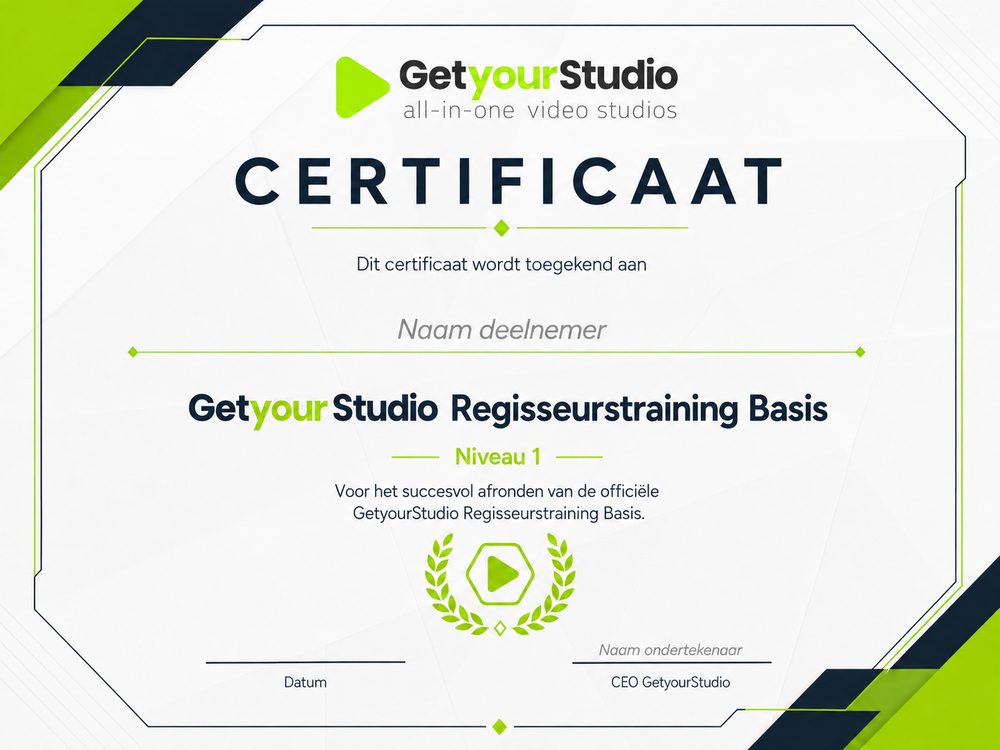
GetyourStudio certificate for the Director Training Basic

Practical information

After this day, you can start up, operate and shut down a GetyourStudio studio independently.

Times
9.30 am to 4.30 pm at the latest, lunch break from 12.30 to 1.15 pm
Location
GetyourStudio, Computerweg 22, Utrecht. Free parking right outside
Group size
Up to 6 participants from different companies
For whom
New or existing GetyourStudio users, no technical knowledge needed
Included
Lunch and the official GetyourStudio Director Training Basic certificate
Cost
€385 per person, excl. VAT

Want to enrol or find out the next training date?

Let us know via the contact form and we'll get back to you.

Several colleagues? View the Director Training Basic in your own studio

Enrol

FAQ

Frequently asked questions

About the Director Training Basic in Utrecht.